Pausing & stopping
Pause a bot, use the kill switch, or delete a bot — and what each does to open positions.
There are three ways to stop a bot trading. None of them touch the exchange: they don't close open positions and don't cancel take-profit or stop-loss orders already resting there. If you need to be flat, close the position on your exchange.
| Pause a bot | Kill switch | Delete a bot | |
|---|---|---|---|
| Affects | One bot | Every bot on your account | One bot |
| New entry signals | Rejected | Blocked | Rejected |
| Exit signals | Rejected too | Blocked too | Rejected too |
| Shows in Logs | No — rejected alerts aren't logged | Yes, as BLOCKED | No |
| Open positions | Stay open | Stay open | Stay open, no longer managed |
| Resting TP/SL orders on the exchange | Keep working | Keep working | Keep working |
| Undo | Activate the bot | Resume Trading | Not possible |
Pause a bot
Click Pause Bot on the bot's page, or Pause on its card in the bot list (or untick Active under Edit Bot). The bot shows Paused, and TradingView alerts for it are rejected until you click Activate Bot.
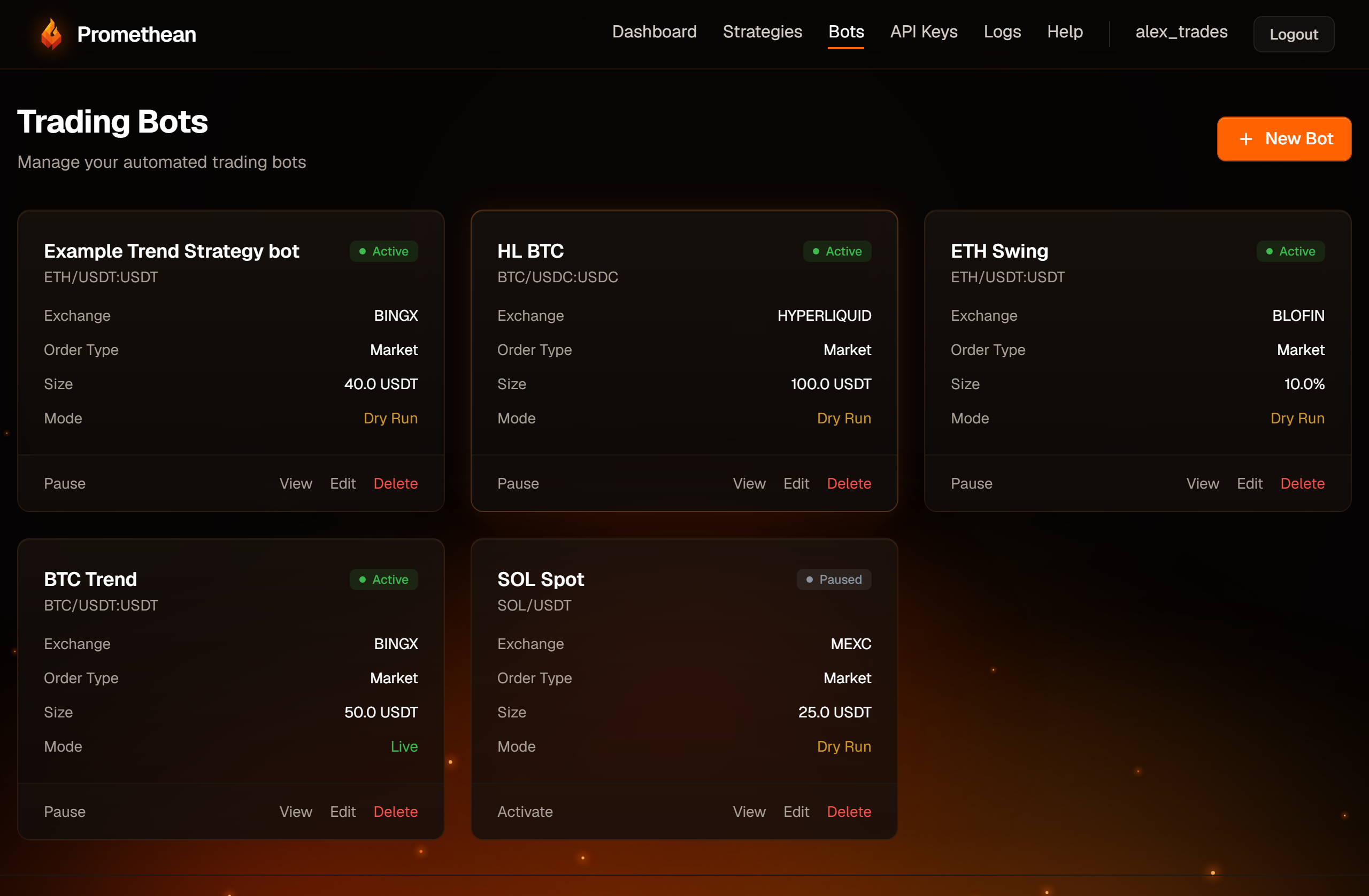
A paused bot ignores exit signals too. If you pause a bot while it holds a position, its exit alert won't close it — the position stays open, protected only by any take-profit or stop-loss already on the exchange. Rejected alerts don't appear in Logs.
Kill switch
The kill switch stops all trading on your account at once. It's at the top of your Profile page (click your username in the top menu).
- Disable All Trading asks you to confirm, then takes effect immediately. The panel turns red and shows when it was switched off.
- While it's on, every signal is still logged — as BLOCKED, "Trading disabled by user via kill switch" — but nothing is sent to the exchange.
- Resume Trading switches trading back on straight away.
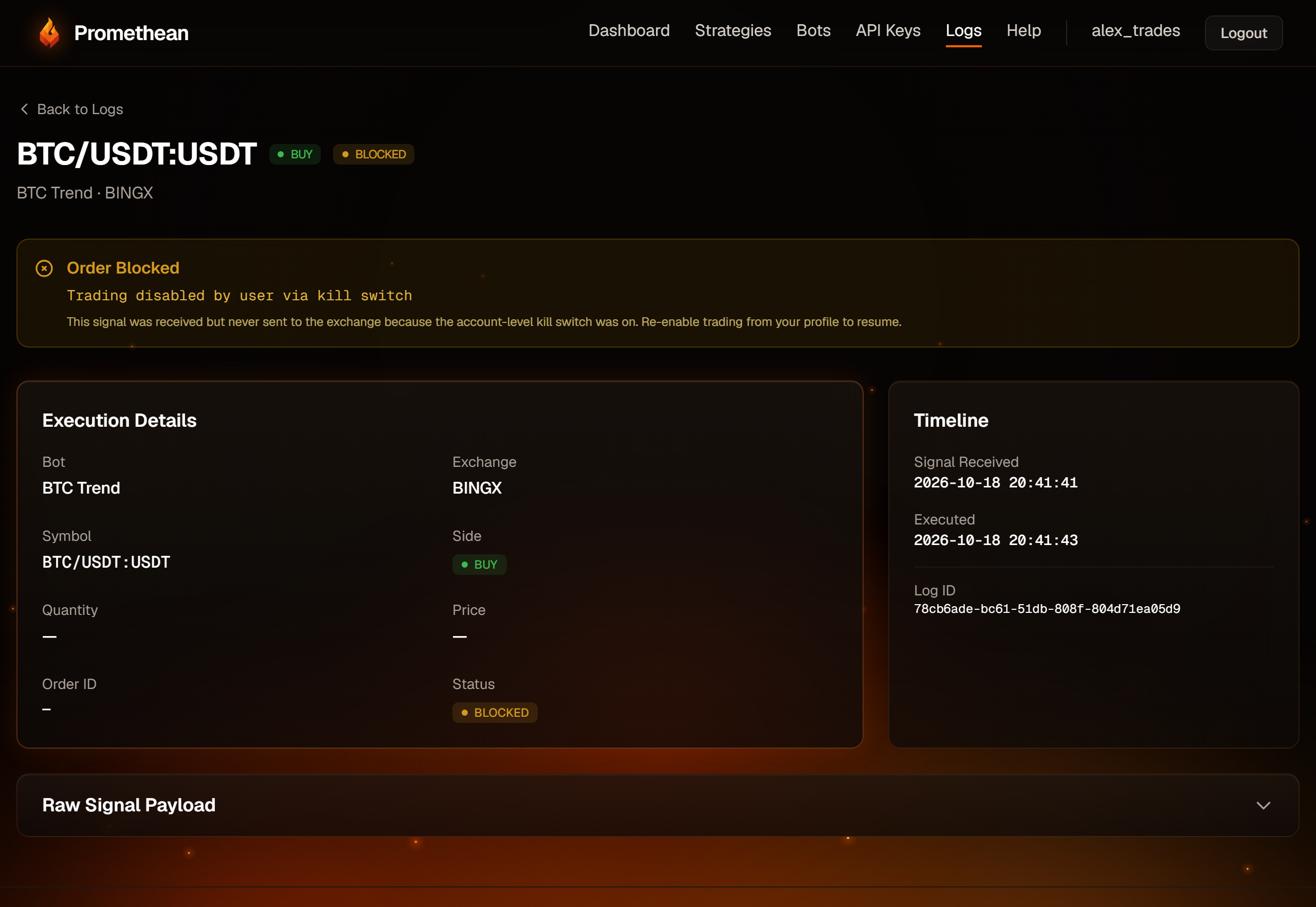
Use it when something looks wrong and you want everything to stop while you investigate. Remember it blocks exit signals as well, and the only place that shows it's on is your Profile page.
Delete a bot
Click Delete on the bot's card in the bot list and confirm. This can't be undone:
- The bot and its execution log history are deleted.
- Any position the bot opened stays open on the exchange, with its take-profit and stop-loss orders. Promethean no longer manages it — close it on the exchange yourself.
- The bot's token stops working, so its TradingView alerts are rejected. Delete those alerts in TradingView too.
Close a position by hand
To get flat, close the position on your exchange (and cancel any remaining take-profit or stop-loss orders there). If the bot is still running, its next exit signal will be logged as SUCCESS "Already flat — nothing to close…", which simply brings the bot's records in line with the exchange.
Don't open a position by hand on a pair a futures bot trades: the bot will refuse its next signals until the position is gone (see Troubleshooting).