Account & security
Passwords, your webhook token, how your keys are stored, and deleting your account.
Your Profile — click your username in the top menu — holds the kill switch, your account details, your webhook token, and account deletion.
Logging in
Log in with your email address and password. A login lasts 24 hours. Logout signs out the device you're on.
Forgotten or changing your password
Promethean changes passwords through a reset link sent by email (there's no change-password form in the profile):
- On the login page, click Forgot your password? (or go to
/forgot-password). - Enter your email and click Send reset link. You'll always see "If an account exists for that email, we've sent a reset link" — for privacy, Promethean never says whether an email is registered.
- Open the link in the email. Check your spam folder if it doesn't arrive.
- Choose a new password (at least 8 characters) and confirm it.
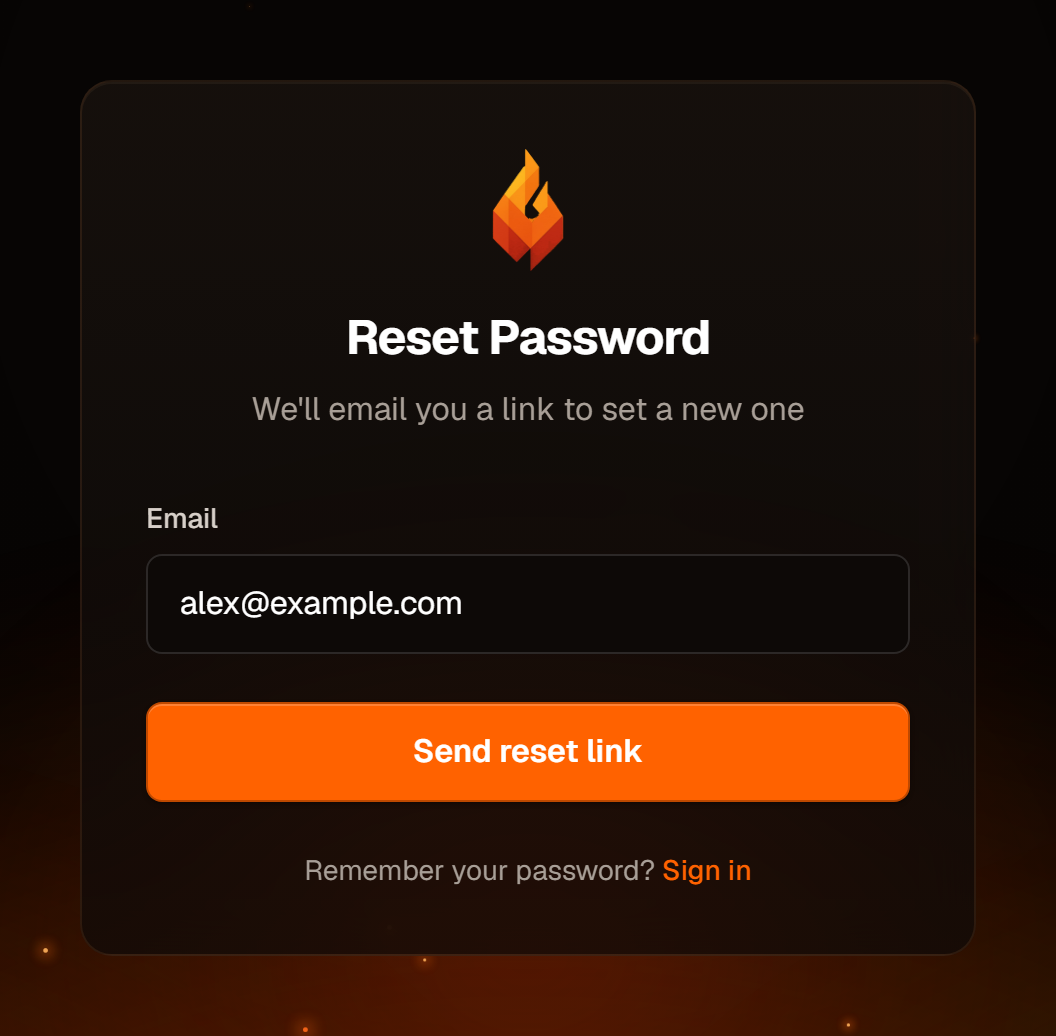
Reset links expire after 30 minutes and work once. Requesting a new link cancels any earlier one. If a link has expired you'll see "This password reset link is invalid or has expired." — just request another.
Resetting your password signs you out on every device, so log in again with the new password.
Webhook token
The Webhook Token card on your profile shows your account's webhook token.
It's only used by the older alert format (token + symbol in JSON — see
Connect TradingView).
The per-bot alert messages shown on each bot's page use their own bot tokens
and don't need it.
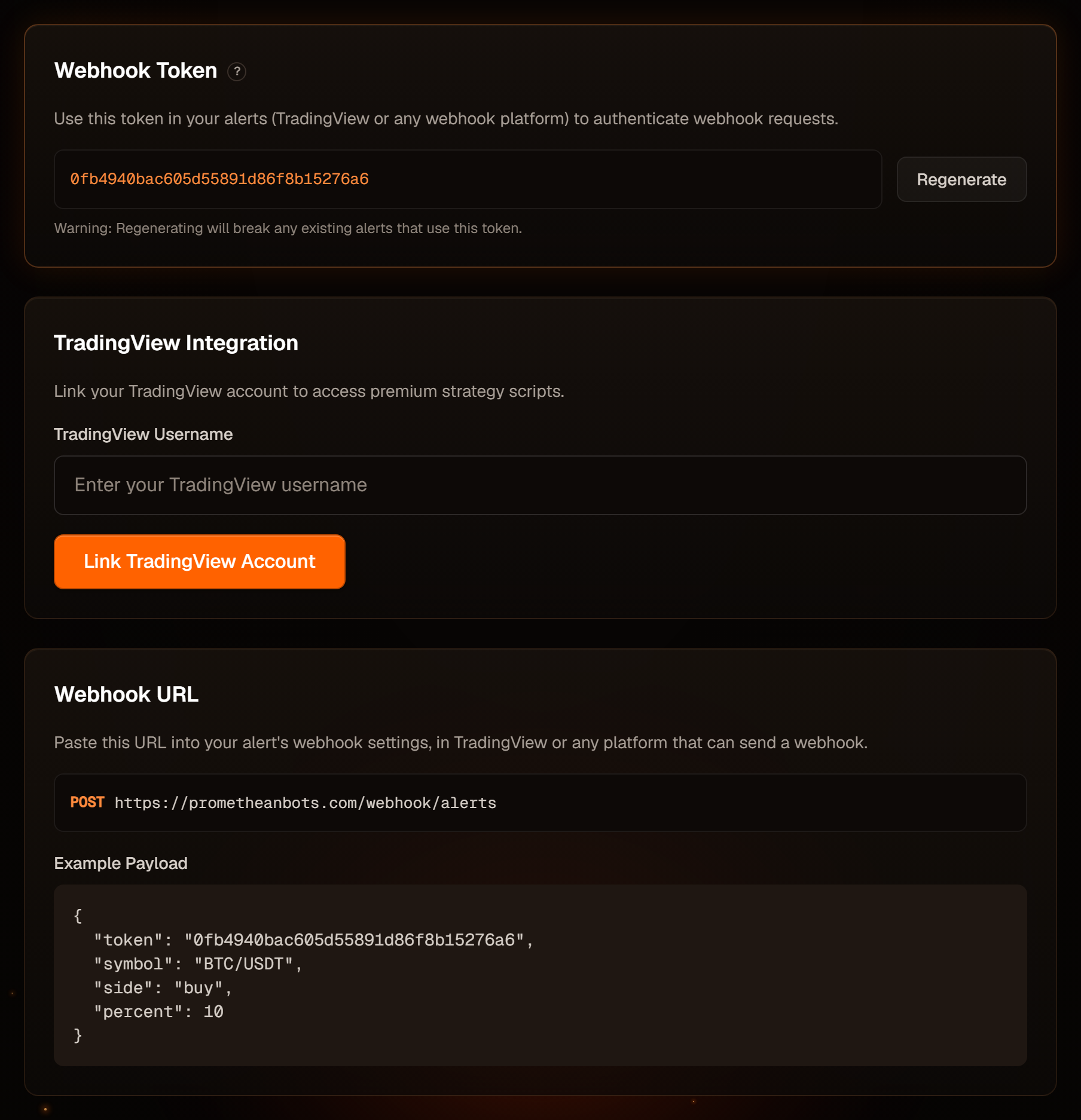
Regenerate replaces the token immediately, without asking. Alerts that use the old account token stop working; per-bot alert messages are not affected. Refresh the page afterwards — the example payload further down still shows the old token until you do.
Treat the token like a password: anyone who has it can send signals to your bots that use the older format.
How your exchange keys are stored
- API keys, secrets, passphrases and Hyperliquid wallet details are encrypted before they're stored.
- They're never displayed again after you save them.
- Promethean only needs trading permission. Never give a key withdrawal rights, and on Hyperliquid only ever use an agent wallet key.
Delete your account
At the bottom of the Profile page, the Danger Zone permanently deletes your account.
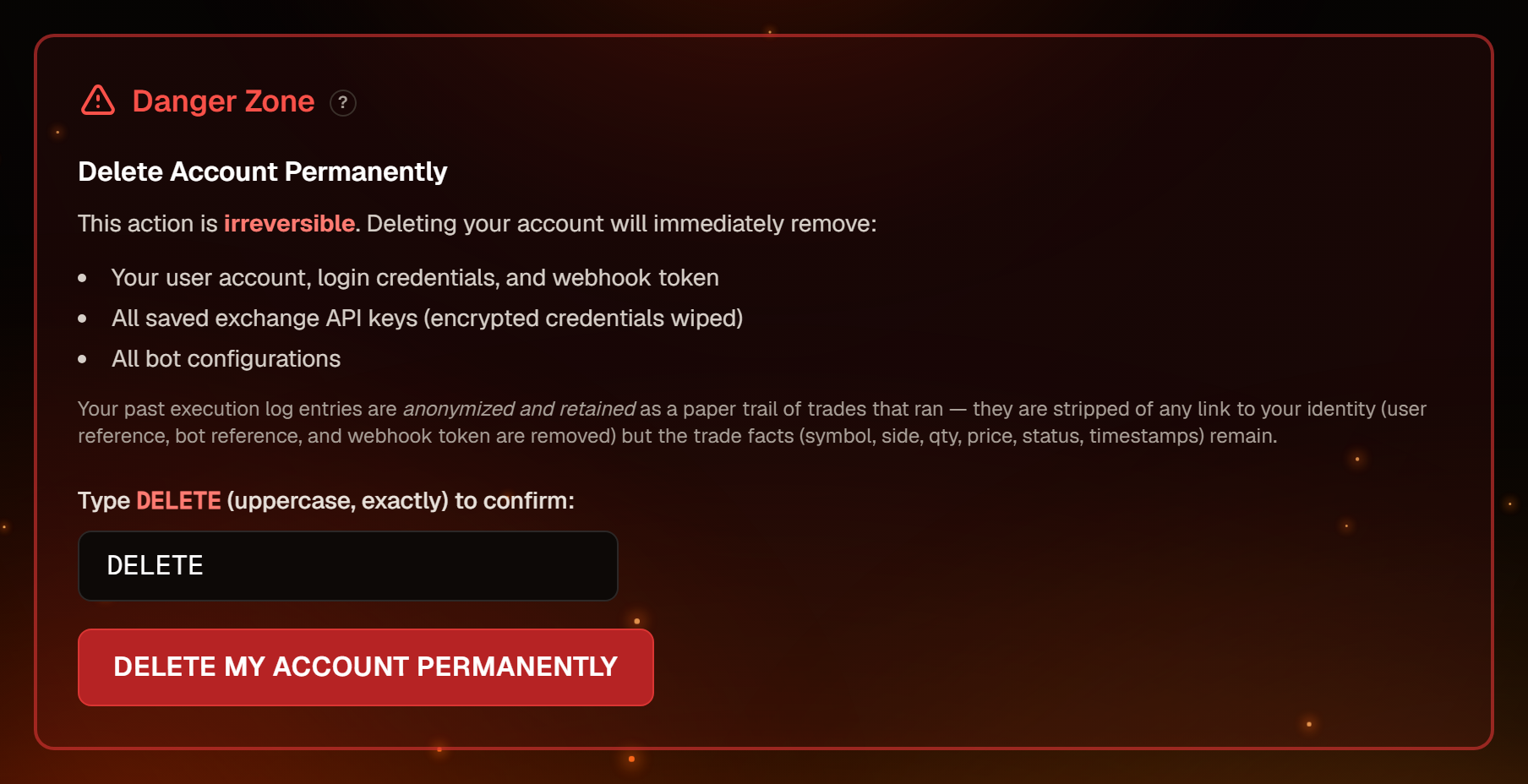
- Type
DELETE(capitals) in the box — the button unlocks. - Click Delete My Account Permanently and confirm the final warning.
This deletes your login, webhook token, all saved API keys and all bots. Your past execution logs are kept in anonymised form (no link to you, tokens removed). It can't be undone.
Close your positions first. Deleting your account doesn't contact your exchanges: open positions and any take-profit or stop-loss orders stay on the exchange, and nothing will manage them afterwards. Close them on the exchange, and delete the API keys on the exchange side too.