Getting started
What Promethean does, and the four steps from sign-up to your first bot.
Promethean turns TradingView alerts into orders on your crypto exchange. You build your signals in TradingView — an indicator, a strategy, or a curated Promethean strategy — and when an alert fires, TradingView sends it to Promethean, which places the trade on your exchange account using an API key you've connected.
How it works
- TradingView fires an alert. The alert's message identifies one of your bots and says what to do (for example "enter long" or "exit").
- Promethean receives it at your webhook URL and checks it against the bot.
- The bot places the order on your exchange — or, in dry-run mode, only simulates it.
- Everything is logged. Every signal that reaches a bot shows up on the Logs page with its result.
Promethean only ever acts when a signal arrives. It does not watch the market between alerts, so take-profit and stop-loss protection is placed on the exchange itself at entry, where it keeps working even if Promethean is unreachable.
The four steps
1. Create an account
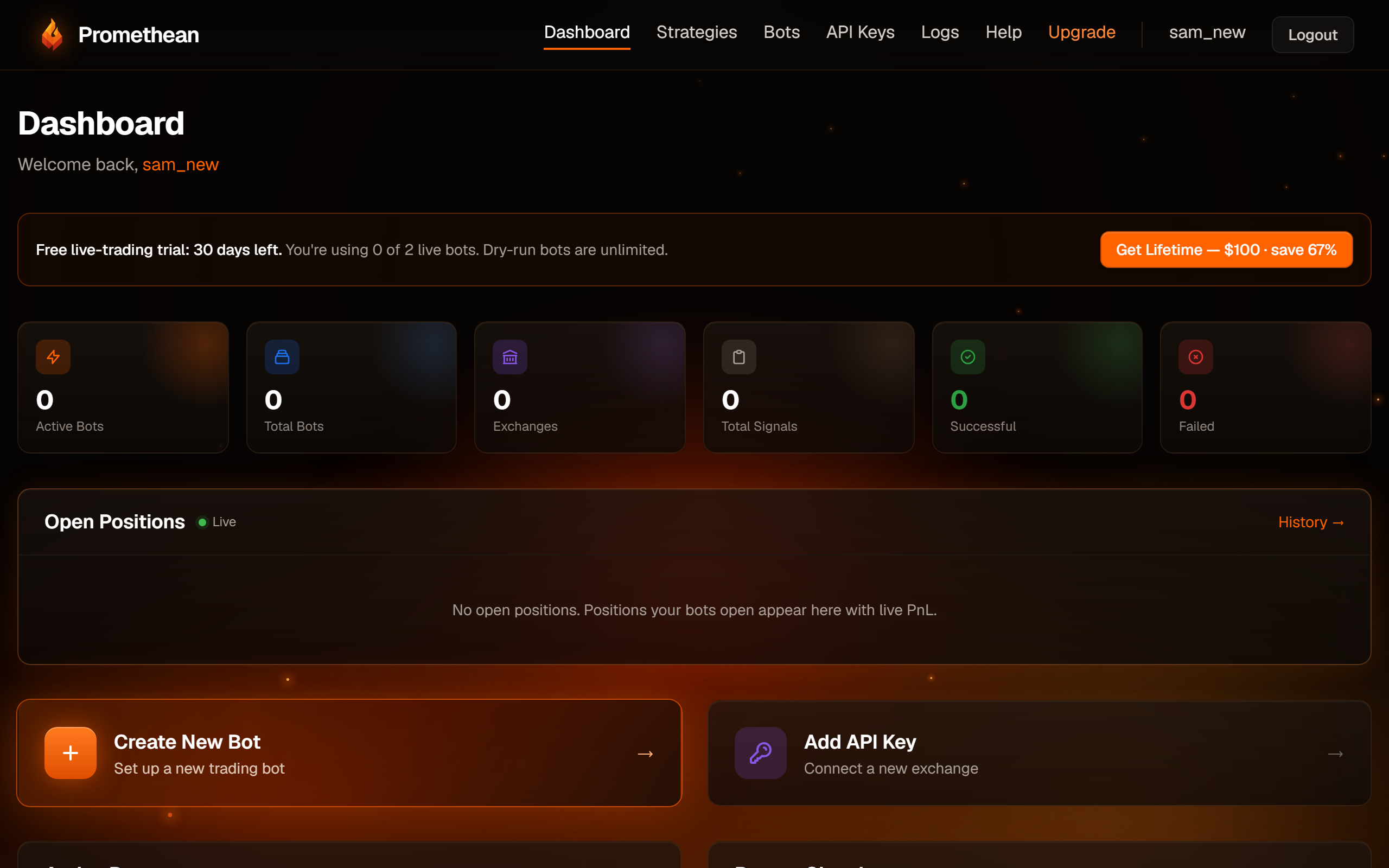
Sign up with your email, a username (at least 3 characters) and a password (at least 8 characters). You're logged in straight away and land on the dashboard.
2. Connect an exchange
Create an API key on your exchange with trading permission only — never withdrawal — and add it under API Keys. Promethean supports MEXC, BingX, Blofin, OKX, OKX Europe and Hyperliquid. See Connect an exchange.
3. Create a bot
A bot ties one trading pair on one exchange key to a set of rules: how big each trade is, leverage, take-profit and stop-loss. New bots start in dry-run mode, so nothing real is traded until you switch it off. See Create a bot, or start from a curated strategy with Use a strategy.
4. Point a TradingView alert at the bot
Every bot page shows a webhook URL and the exact alert messages to paste into TradingView. See Connect TradingView. Any other platform that can send a webhook works too: see Other alert sources.
Before you trade real money
Start in dry run and read the logs. Let a few alerts fire against a dry-run bot, open them on the Logs page, and check the simulated quantity and price are what you expect. Only then edit the bot and untick Dry Run Mode.
A few rules apply to every account:
- Futures accounts must be in One-Way position mode. Hedge mode is refused.
- Leverage on the bot must match the leverage set on the exchange for that pair. Promethean never changes your exchange's leverage — it checks it and refuses to trade on a mismatch (Hyperliquid can't be checked; see Exchange reference).
- Run one bot per pair per exchange account, and don't trade that pair manually on the same account. Futures bots compare their records with the exchange's position for that pair; another bot's or a manual position on the same pair makes them refuse to trade.
- A bot holds one position at a time. A second "enter" while a position is open is refused — there's no adding to a position.
Promethean is a tool that executes your signals; it isn't financial advice, and strategy backtests don't guarantee future results.